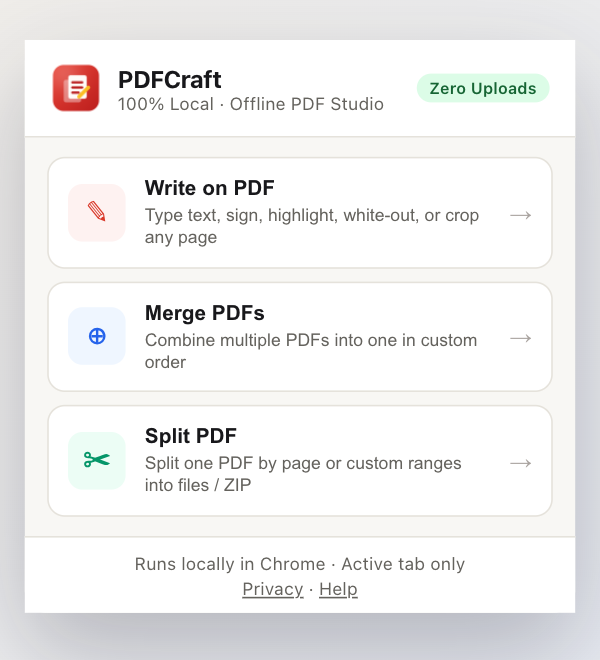
Are my PDFs uploaded anywhere? No. PDFCraft reads, edits and writes
files inside Chrome on your computer. When you export, only the name of the tool and your
sign-in token are sent, so the export can be counted.
Is white-out the same as redaction? No. White-out covers content on the
page, but the original text stays in the file and can still be copied or extracted. Crop
works the same way. Use a dedicated redaction tool for confidential information.
Why do I need to sign in? Free exports are counted per Google account, and
Pro is tied to that account. Sign-in sends your Google account ID, email and name to
Datika; nothing about your documents.
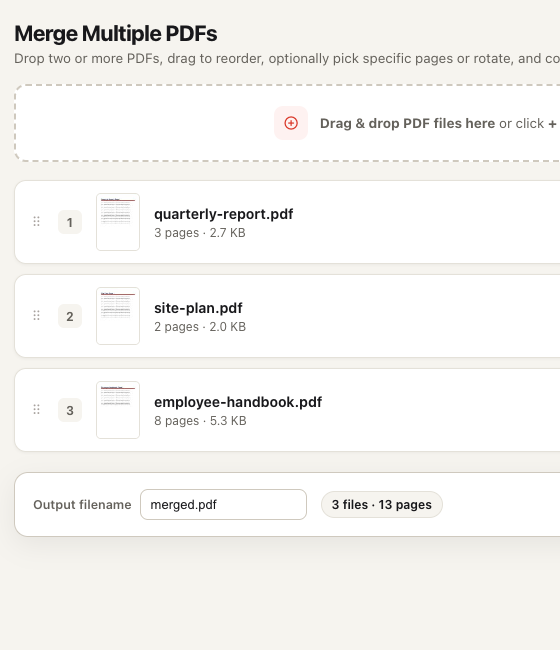
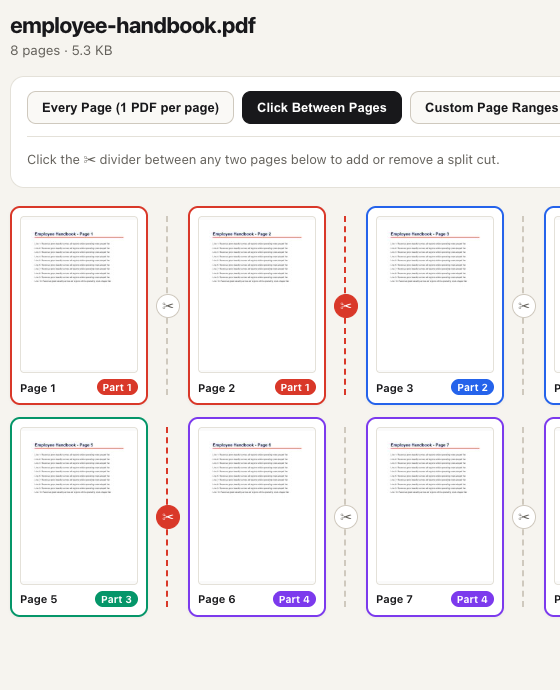
What counts as an export? Each finished file you download: an edited PDF,
a merged PDF, or a split result. Opening files and editing them are free and unlimited, and
exports made while you're on Pro don't use up your free ones.
Do the 3 free exports reset? No. They are for the life of the Google
account. If you delete your account we keep a pseudonymous record of how many you used for
24 months, so signing up again doesn't reset them.
Does it work offline? The tools themselves run without a connection.
Signing in and counting an export need one.
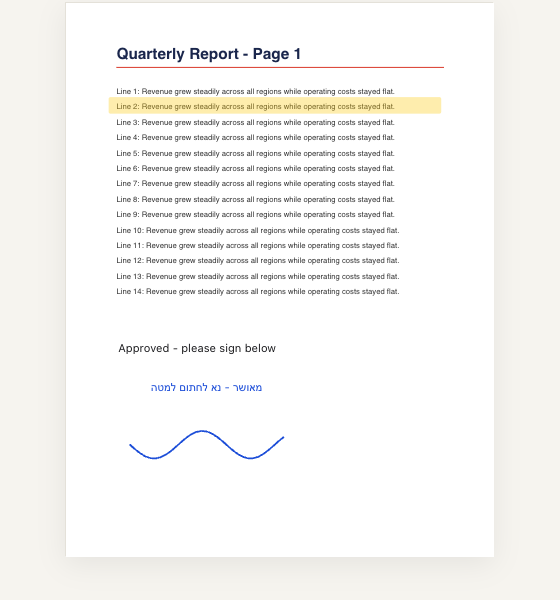
Can I write in Hebrew or Arabic? Yes. Latin text is embedded as selectable
text; right-to-left and other scripts, CJK and emoji are placed as sharp images on the page.
How do I cancel or get a refund? Cancel from the account menu in PDFCraft
or your Paddle receipt email. Refunds are available within 14 days of the first payment, once per account.
Support has the steps, and how to
delete your account.
Which browsers does it support? Google Chrome 119 or later on Windows,
macOS, Linux and ChromeOS.
Who makes PDFCraft? Datika LTD. Write to
support@datika.io with any question.